


Signature Covers
Browse finished cover art or choose a signature style direction before creating.
Cover art built around your release
Covermatic’s AI cover art generator turns your photo or visual idea into artwork for a single, EP or album. Add your artist name and release title, refine the design, and create matching promo graphics.
5 credits per generation
Start custom, browse Signature Covers, or build promo graphics for your rollout.
Turn your vision into custom album art for your music release.
Choose from hundreds of ready-to-use designs.


Turn your finished cover into release-ready posts, stories, and banners that keep your rollout looking consistent everywhere you promote.


One connected workflow
This approved Covermatic example shows three distinct stages. It is a product demonstration, not a customer testimonial.

Identify the person or object that should remain recognizable.
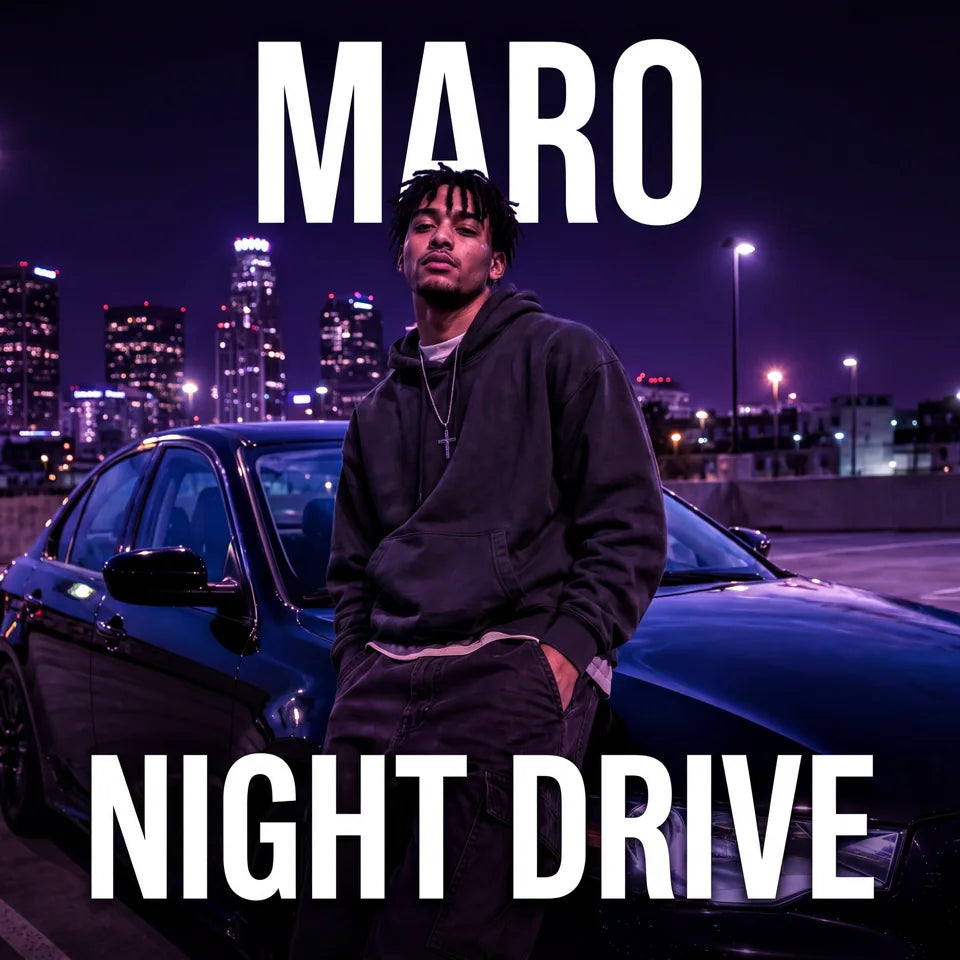
Add the artist name, release title, atmosphere and lettering direction.
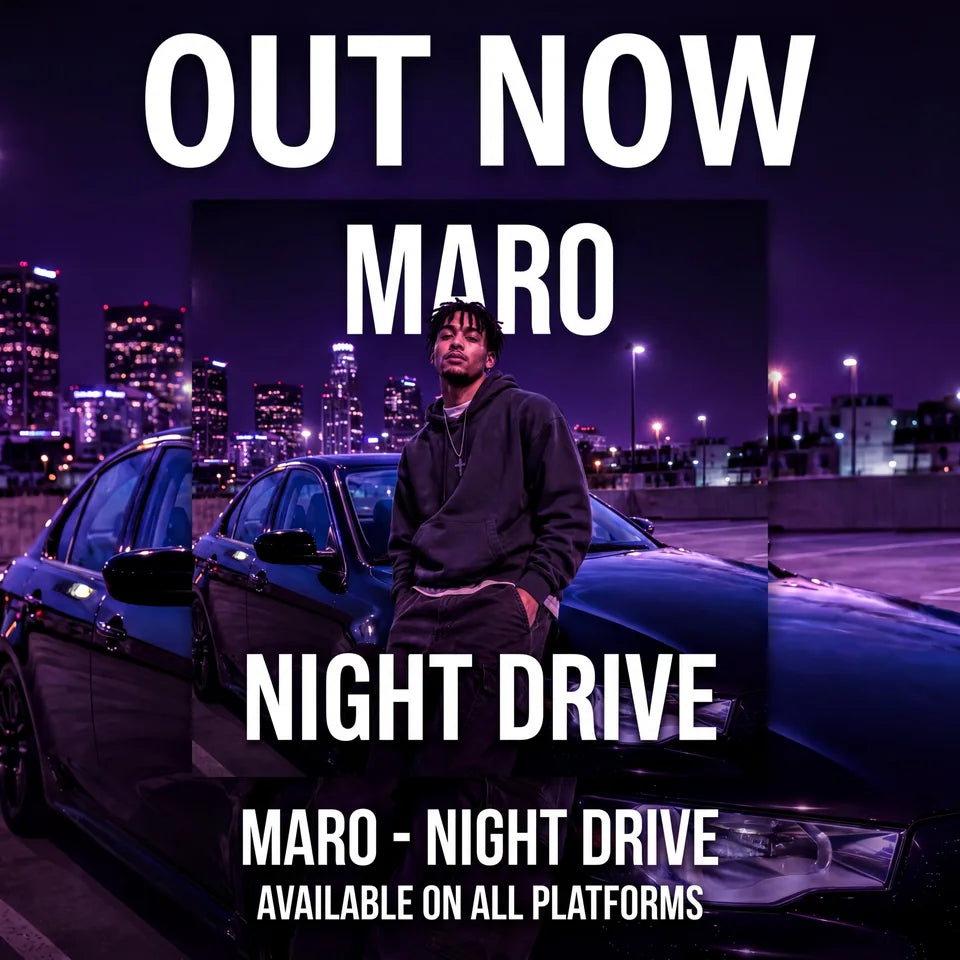
Reuse the established portrait, colors and typography in release graphics.
The reference shows an artist beside a car. The cover carries that subject into purple city lighting with the Night Drive title; the matching promo adds an Out Now announcement. Compare the subject, lettering and palette across the three images.
Suggested prompt, not the recorded Night Drive input: Keep the main subject recognizable. Build a nighttime city setting with violet light, then add my artist name and release title. Keep important details readable at thumbnail size.
Create and review your cover first, then choose Promo Graphics in the tool for the release announcement. Keep promotional wording on the promo graphic and check your distributor’s rules for the cover itself.
Focused product examples
Explore Covermatic product examples, then bring a direction into the tool with your own artist name and release title.
Tell Covermatic what should stay recognizable and what visual world should change around it.
Create a cover from your photo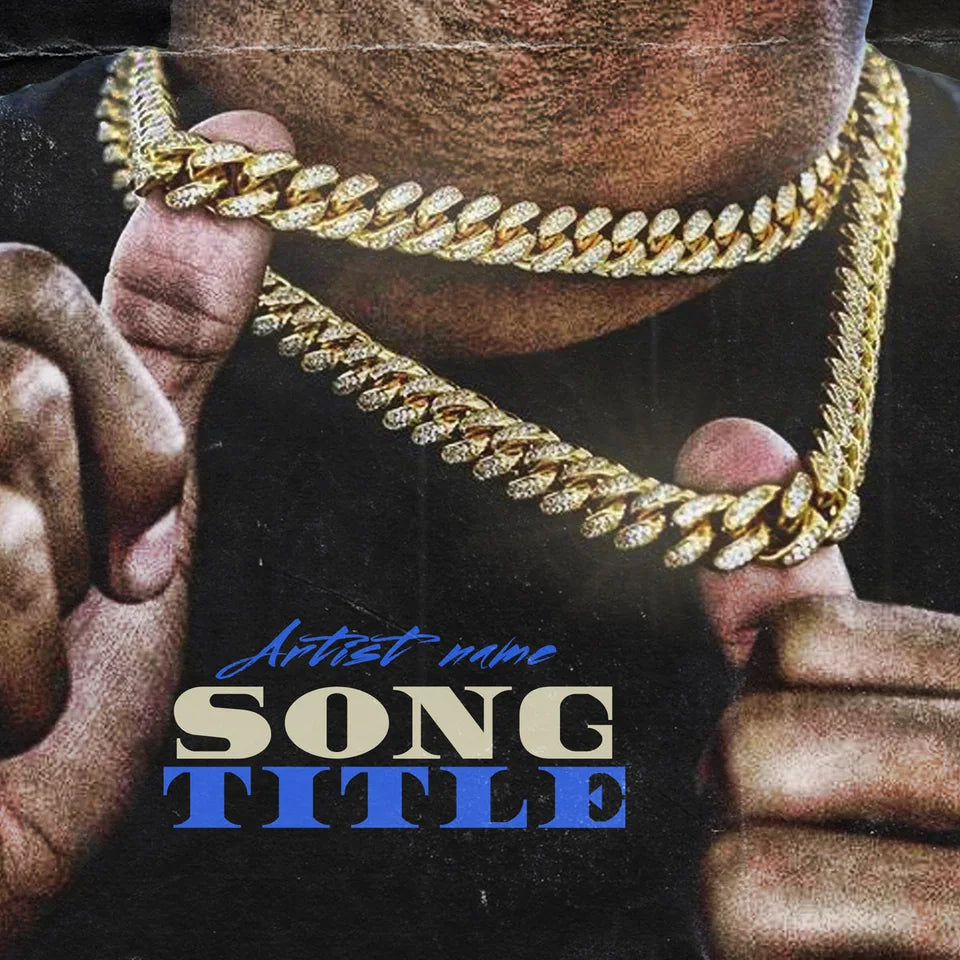
A portrait, object or location can anchor the composition while lighting and color establish the tone.
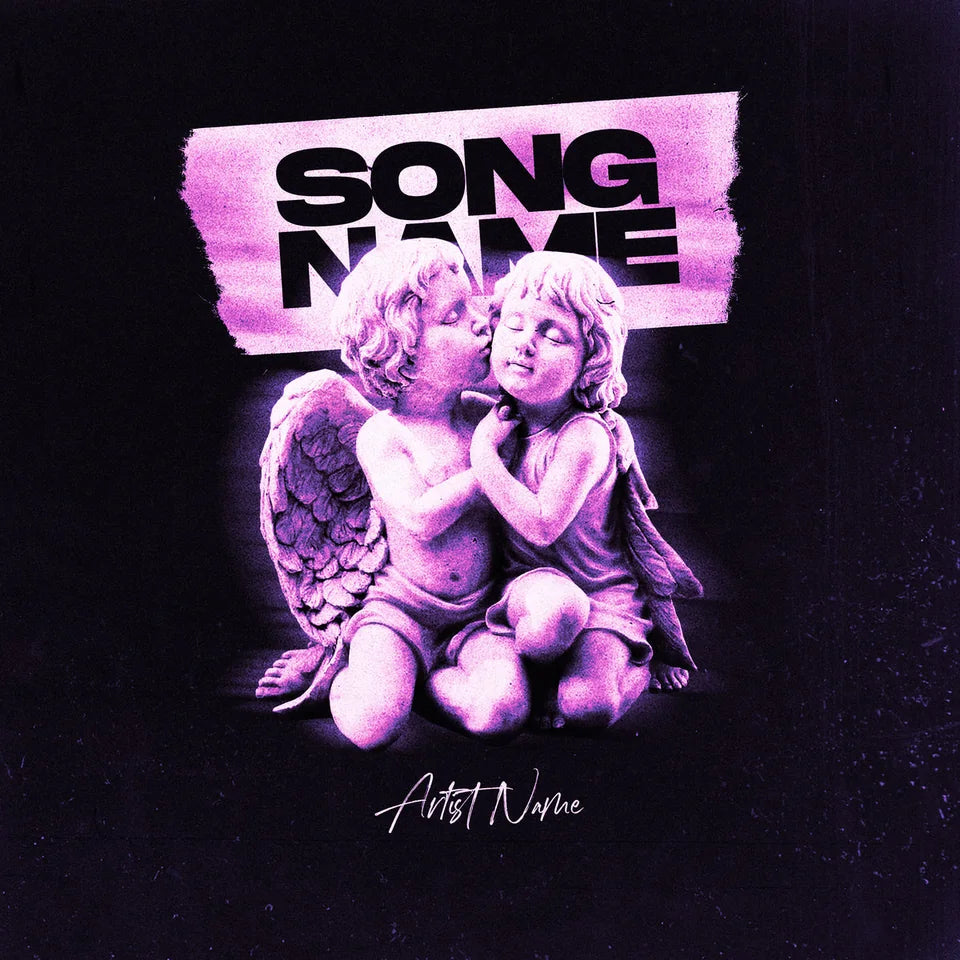
Describe the intimacy, palette and surface details you want rather than relying on the genre name alone.
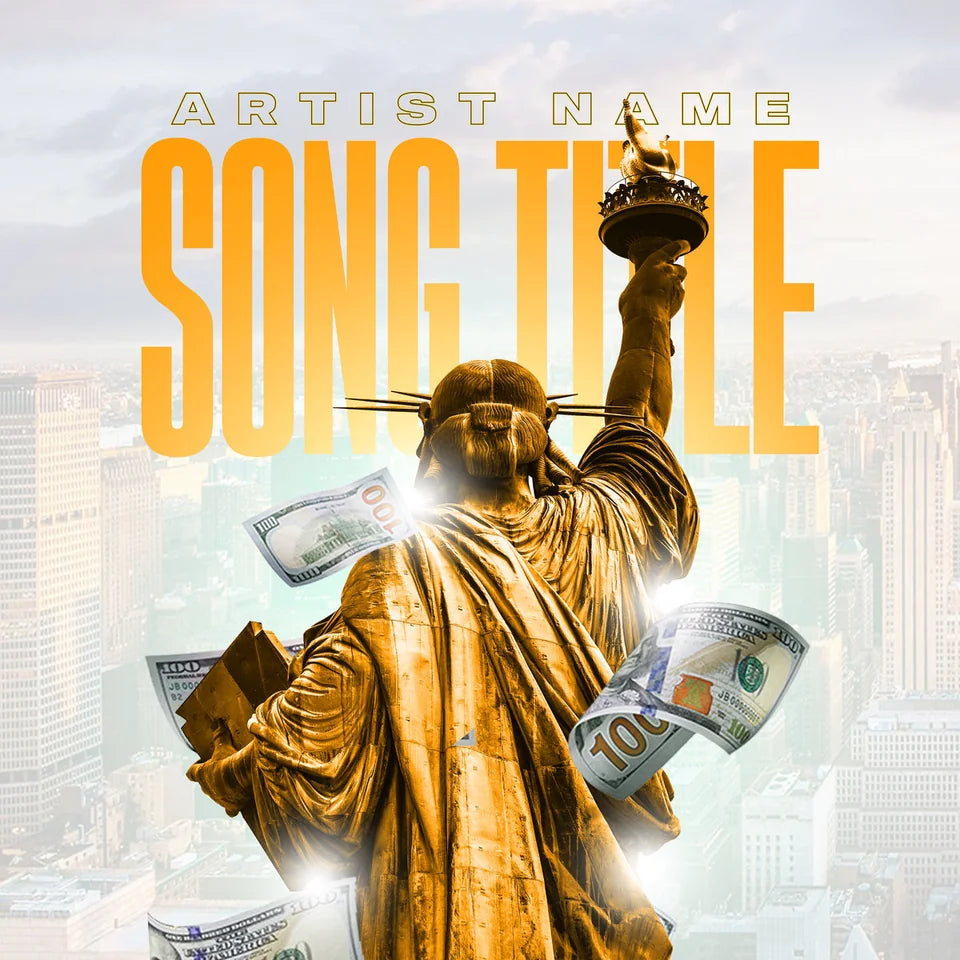
Start with American Dream, then add your artist name, release title and customization brief.
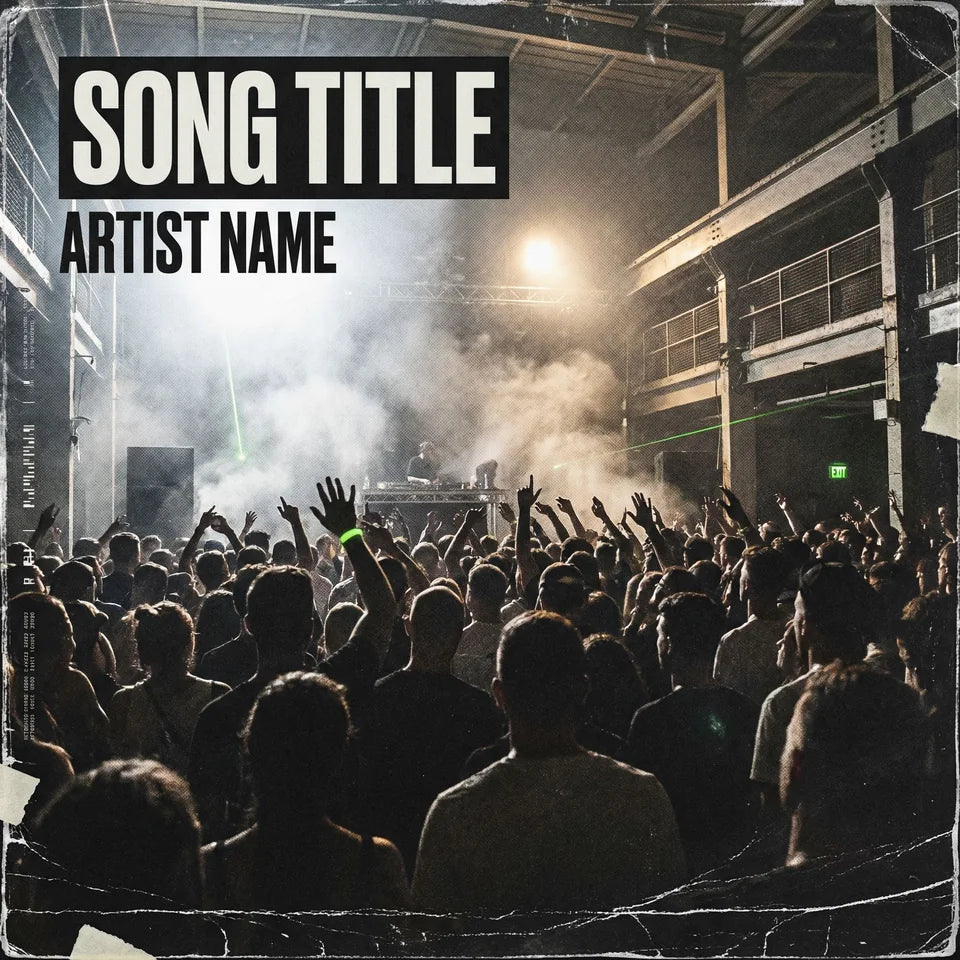

Compare the concert scene before and after a change to blue and magenta lighting and bold white lettering. When editing your cover, describe what to keep and what to change.
Start your cover
Choose the announcement you need and keep the release visually connected across posts.
Choose a promo formatHow Covermatic works
Use Covermatic’s AI cover art maker to develop album art from a photo, a written concept or a premade direction.
Use a concept, add photos, or select a premade visual direction.
Add the artist name and title. Define the subject, setting, mood, palette and lettering.
Choose a credit pack when you are ready to generate. Each generation uses 5 credits. Review your cover, request specific edits, and create matching promo graphics.
Prompt directions
Choose a starting brief and tailor it to your release. The rap and R&B prompts also select the pictured premade direction in the tool. Using a prompt replaces the concept text; your artist name and release title stay in place.
Use the selected chain-focused cover as a starting point. Keep a strong central focal point, cool blue lighting and a confident mood. Add my artist name and release title in bold, readable lettering.
Use the selected Angel Lovers cover as a starting point. Keep the two-figure composition and purple atmosphere, with soft light and restrained lettering for my artist name and release title.
Use my uploaded photo as a reference. Keep the main subject recognizable, move the scene into violet city lighting at night and leave room for a clear artist name and release title.
Thumbnail quality checker
Most listeners first see cover art as a small square in a feed or playlist. Check whether the subject, contrast and title still hold together before distribution.
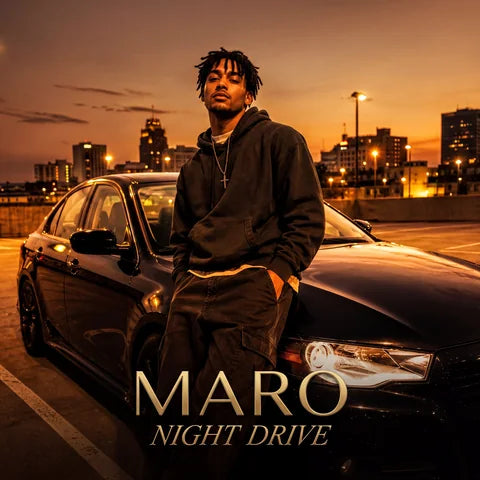
Viewing at 128 pixels
Questions before you create
Open Custom Cover Art, add the artist name and release title, and describe the subject, setting, mood, colors and lettering direction. You can also add photos as references before generating a direction.
Yes. Add a JPG, PNG or WebP reference in Custom Cover Art and explain what should remain recognizable and what you want changed around it. The form accepts up to 10 images at 20 MB each.
Yes. Use the genre as context, then describe a specific focal point, lighting, palette, mood and lettering treatment that fit the release.
Creating one cover uses 5 credits. Each edit uses 5 credits, and each Promo Graphics creation uses 5 credits. Generating multiple covers uses 5 credits per image. Choose a pack and quantity in the Buy Credits menu to see the current price before checkout.
Yes. Covermatic can be used for singles, EPs, albums and mixtapes. Add the exact artist and release details you want considered in the artwork.
Yes. Open your artwork, enter a specific edit request, and optionally add reference photos or a premade direction. Describe what to keep and what to change, such as lighting, lettering or background. Each edit uses 5 credits; check the resulting image before making another change.
Yes. Promo Graphics can use your cover as a reference for Out Now, Pre-Save, Coming Soon and other release announcements.
Check spelling, visual details, rights to uploaded assets, small-size readability and the distributor’s current size, format and content requirements. Review the downloaded file itself before uploading it.
You can enter release details and browse directions before signing in. Generation and downloads require an account. Guests see the credit menu when getting started, and photo uploads stay credit-gated. Use the account step in the purchase flow so credits are connected to your account.
Use Download in your artwork preview to save the artwork file after signing in. Promo Graphics use the layout selected in the tool, which may differ from a square cover. Check the downloaded file’s actual dimensions and format against your distributor’s requirements before submitting it.
Use photos and other reference assets you have permission to use. Do not upload material that infringes someone else’s copyright, trademark or other rights. Review the Terms of Service, including the AI content, credit and prohibited-use provisions, before purchasing.
Your release needs a visual direction
Bring your artist name, release title and one clear visual idea.
Start Creating